
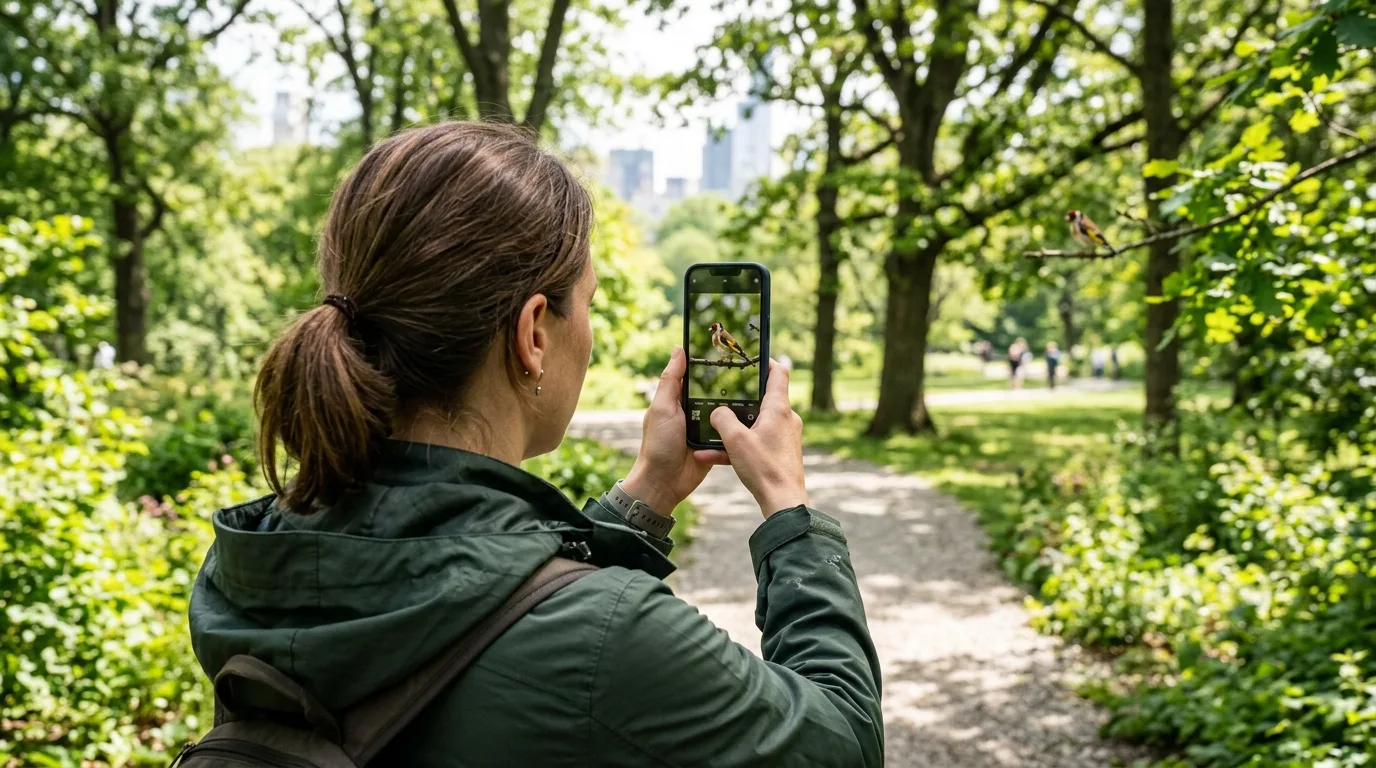
Quick answer: Use ZoomCam to find, follow, photograph and record distant birds on iPhone or Android. Digital zoom helps with observation and framing; final detail depends on the phone, light, distance and stability.
Start wide, then move closer
Find the bird at a moderate zoom level before increasing magnification. Keeping the subject near the center makes it easier to follow movement without losing it from the frame.
Stability matters more than maximum zoom
Brace the phone against a railing or use a tripod when possible. Good daylight and a steady camera usually improve the result more than immediately choosing the highest zoom setting.
Photo or video?
Use a photo for a perched bird and a short video for flight, feeding or other unpredictable movement. Stay on paths, keep a respectful distance and avoid disturbing wildlife.
10x–200xZoom controls
Photo + videoCapture modes
iOS + AndroidPlatforms
ZoomCam uses digital magnification and does not add the optical resolution of a dedicated telephoto lens, binoculars or telescope.