
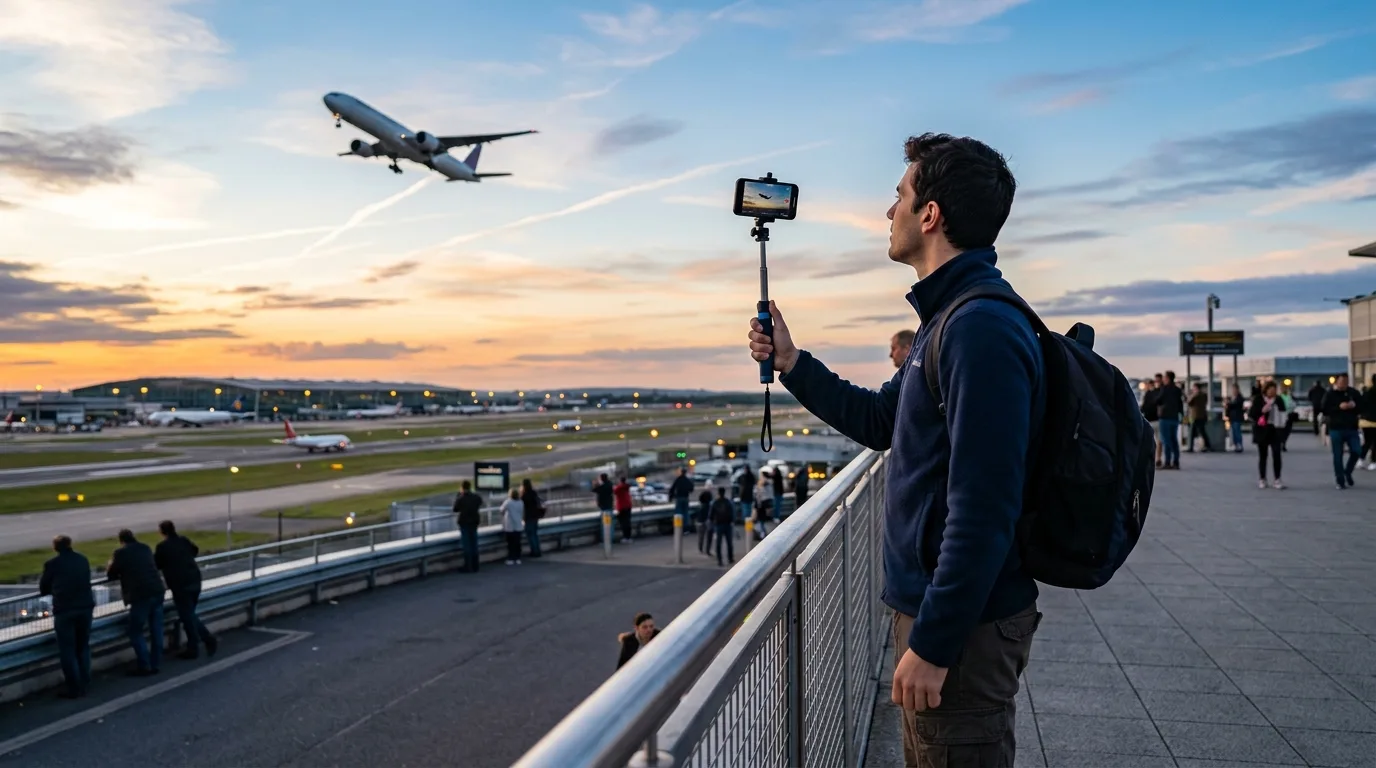
Quick answer: Track, photograph and record distant aircraft with ZoomCam on iPhone or Android. Digital zoom helps with observation and framing; final detail depends on the phone, light, distance and stability.
Find the aircraft before zooming in
Begin with a wider view, place the aircraft in the center and increase zoom while moving the phone smoothly in the same direction.
Choose light and location carefully
Side light often reveals the shape and livery clearly. Heat haze and long atmospheric distances reduce detail. Photograph only from safe public places and follow local rules.
Use video for fast movement
A short video is often easier than timing one frame during takeoff or a flyby. Use both hands, avoid sudden changes in zoom and let the subject move through the frame.
10x–200xZoom controls
Photo + videoCapture modes
iOS + AndroidPlatforms
ZoomCam uses digital magnification and does not add the optical resolution of a dedicated telephoto lens, binoculars or telescope.